
Initial Help to Get Started
This Section is about organization Start and how to get register on intellogs. If Somehow you forget password how to recover it and how to get login and get help on each module.
Organizational Help
This section provides information regarding how registered organization setup employees skills and their roles, position, Department and shifts and profile of respective employe

Process
This section contain information about the process like create process and associate them . Also can schedule them and write roadmap from its execution.
‣ Process & association & Activities
‣ Schedule
‣ Execute

Logs
This section provide information about logs and also contain information of various operation on it like its creation , read logs, update and about knowledge bases regarding that log.
‣ Logs Modules
‣ Log Creation
‣ Log Read
‣ Operations Performed On Logs
‣ Tasks
Inspections
From this section one’s comes to know about the inspection criteria and what tools we are providing to to manage that more efficiently.
‣ Inspection Modules
‣ Inspection Attributes
‣ Inspection Schedule
‣ Inspections Results


Inventory
Intellogs have ability to manage the inventory of your organization in this section we provide complete detail about inventory below point provides the more detail about how to manage your organization inventory.
‣ Inventory Modules
‣ Third Parties
‣ Stocks
‣ Sales
‣ Purchase
Maintenance
Intellogs provides the simple and a whole way to maintain to your organization valuable assets below point provide detail about this section.
‣ Procedures & Tasks
‣ Work Order
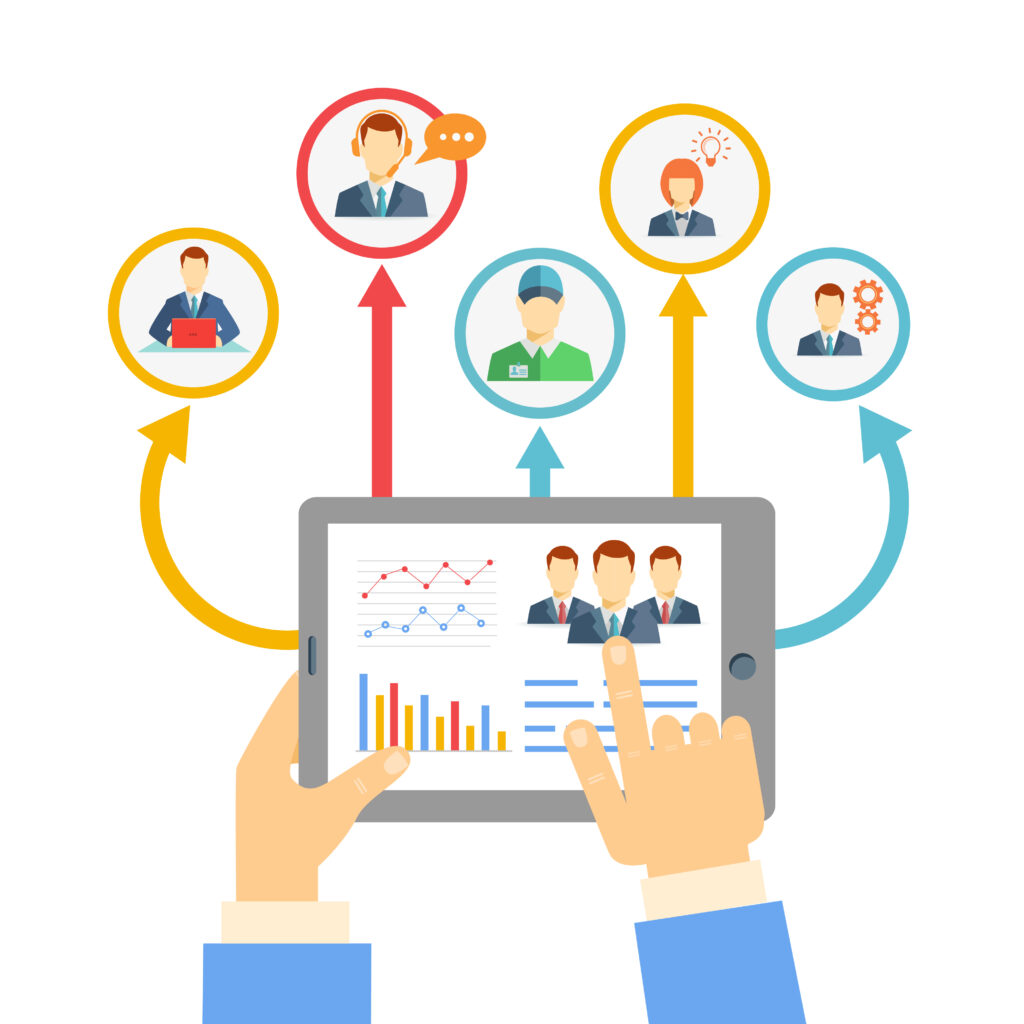
HRM (Human resource management)
Intellogs impart the HRM of your organization as manage employee data like (attendance, salary, expenses, banks). It also provide the service of NFC
‣ Attandance
‣ Salary
‣ Expences
‣ Banks
‣ NFC

Services
This section provides information about the services provides by intellogs like Sale Orders and My sale sale order tasks.
‣ All Services
‣ Sale Order
‣ My Sale Order task

System
This section provides the information about the system setting , codes and auto alerts. for more detail click the below points.